
The 9 PM no-heat call shouldn’t go to the next HVAC shop.
We install an AI receptionist on the number you already publish. Your receptionist answers your calls in English or Spanish, captures the job details and sends you the lead. Our team sets it up. You approve the rules.
Spanish and English in Yakima, Pasco, Moses Lake, and Wenatchee.
Wondering what your customers would hear? Call and see for yourself.
Or see what missed calls cost you ↓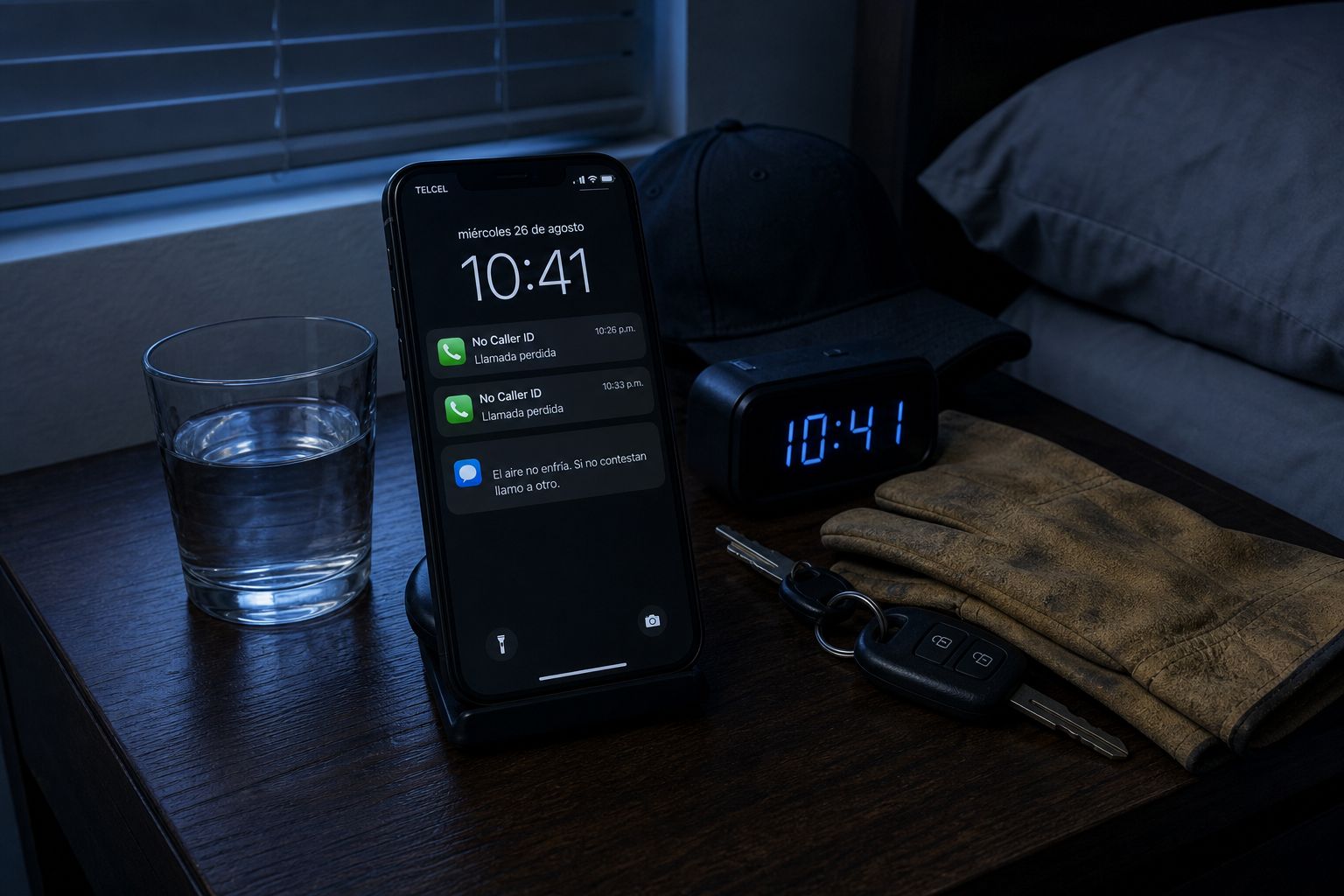
Installed on your line, not another login
The difference is who does the work. A DIY dashboard makes your office manager the integrator. An installed system means we own the setup: number routing, greeting and script, escalation paths, after-hours rules, and the lead fields your team actually reads.
Nights, weekends and while you are on a job, your AI receptionist answers by voice instead of dropping the caller into voicemail.
- We configure the line, scripts, and escalation
- Rules written with your dispatcher
- Lead records and owner alerts tested before we turn on your line
- Changes handled by us, not by your CSR
- You build the flows
- You maintain the prompts
- You wire the board connection yourself
- Setup stalls when the office gets busy
How we install it
Four steps, done with you, at the pace your shop can absorb.
Three numbers from your week show what unanswered calls cost you. Your full report is ready on the spot, and we only call if you ask.
We put the receptionist on your business number, with your greeting and triage script.
Contacts, call notes, and job details land as leads in the CRM we set up for you.
After-hours handling, emergency escalation, and callback rules are yours. We turn it on when you approve them.
Installed AI vs DIY AI vs built-in tools vs answering service
Four honest options. The right one depends on how much configuration your office wants to own and how your team tracks jobs today.
| Option | Who sets it up | Coverage | Where leads land |
|---|---|---|---|
| Installer (Ops Automations) | We do, with your dispatcher | After-hours voice answering | A lead record + owner alert in the CRM we set up |
| DIY AI receptionist SaaS | Your office manager, in a dashboard | Depends on what you finish configuring | Whatever board connection you wire yourself |
| Built-in phone tool | You, inside your existing system | Coverage and limits depend on the plan you already use | Usually limited to its own calendar or board |
| Answering service | The vendor, with human agents | Human hours and staffing dependent | Usually message hand-off, not board records |
When a built-in tool is better
If your shop already runs everything inside one system, your call flow is simple, and you want one vendor and one invoice, its built-in phone tool may be the cleaner fit. We fit when setup needs to be done for you, when the phone line and board do not line up neatly, or when after-hours rules and Spanish-language calls need deliberate handling.

Built for 2–5 truck HVAC shops
At two to five trucks, there is usually one person covering dispatch, the phone, and the counter. Coverage breaks at exactly the moments demand spikes: heat waves, first cold snap, Saturday mornings.
Response time shapes the customer experience, but every market and shop is different. Use your own call logs and booking records to measure where faster handling could help.
Wondering what your customers would hear? Call and see for yourself.
Or see what missed calls cost you ↓Your call logs and booking records are the right source for measuring missed demand in your shop.
The unanswered math (your volume, not a recovered-revenue promise)
Night and overflow calls that ring out are the leak this install covers first. Daytime missed calls are a separate leak: same number, your rules. Setup maps voice answering and lead records to your inbound, not a national HVAC percentage.
Your inbound / week: ______ · Calls a person picks up (your count): ______ · Left unanswered (inbound minus answered): ______
That unanswered pile is what the install routes to your AI receptionist. It is not a promise those calls become jobs.
You bring inbound. We map how many of those calls a person actually picks up on night, weekend, and overflow. We do not invent a person-answer rate, a ticket size, or a close rate for your shop. We do not publish calculator defaults.
Voicemail is not a follow-up plan. Missed and abandoned calls need an answer on your rules, not a hope that callers leave a message.
After-hours is a slice of inbound, not the whole leak. Daytime missed calls are a separate problem. We run your night and overflow rules on the number you already publish. We do not invent a national after-hours percentage for HVAC.
Smaller shops often book a smaller share of the calls they answer. We do not publish a recovered booking rate for your trucks. Use your own answered-call and booked-job records as the baseline.
Our agent tells callers it is an AI.
Spanish-speaking callers
Spanish handling is part of how the line is configured, not a checkbox. We set which calls are answered in Spanish, how the triage script reads, how the details reach your dispatcher in English, and how the receptionist speaks to the caller in their language.
We do not claim a Spanish-language share for HVAC calls; that varies by market and by shop. What we can do is make sure those calls do not end in a hang-up.
How bilingual HVAC answering works
Questions HVAC owners ask
What is an HVAC AI receptionist?
How is an installer different from AI receptionist SaaS?
Does it work with the software we already use?
What happens after hours?
Does the AI identify itself?
Can it handle Spanish-speaking callers?
Does this replace my CSR?
How do I start?
How does text messaging consent work?
See what the unanswered calls cost you.
We install bilingual answering on your HVAC line so the night call is answered by your AI receptionist and becomes a lead in your pipeline, before the homeowner dials the next shop.
Wondering what your customers would hear? Call and see for yourself.
Or see what missed calls cost you ↓We stay until the line works as scoped
We stay on the install until your five test calls pass on your rules and lead records are created the way we scoped them with you. You are not left with a login and a wiki. Until they pass, we keep working on the install at no extra charge.
You think you answer almost every call. Most shops don’t.
Think about your last busy day.
- Who answers when you are already with a customer?
- What happens when two calls arrive together?
- Which missed calls never get a callback?
How much money are you leaving on the table?
This is a week at a busy restoration crew. Now put in your own three numbers and see what your missed calls are costing you.
How it's figured: missed calls a week × the share who would have hired you × your average job value × 52 weeks, then ÷ 12 for the month.
About $19,000 in estimated revenue is at stake each week, using these inputs.
Your estimate, from your own numbers. Not a promise of results.
Keep the numbers. See how your next call could go.
Your free Missed Money Report brings your estimate, a sample call and a practical call-handling worksheet together in one place.
- Your numbers, month by monthKeep the weekly, monthly and yearly estimate you just built.
- Hear a caller reach a clear next stepA scripted example shows the questions, the conversation and the outcome.
- Make a plan for your businessWork through your hours, service area, handoff rules and who should receive urgent calls.
How our text messaging works
- Messages come from Ops Automations, and only after you contact us first. Text messages are optional. You can agree to receive them by text, by checking the text-message box on our website or agreeing when you book, or by giving verbal permission on a recorded call to (509) 567-2818 when our AI receptionist asks whether we may text you. Your consent is not a condition of purchase.
- We text about your report, setup call, appointment, or account request, never marketing blasts, and never to numbers that haven't contacted us.
- Message frequency varies based on your conversation with us. We don't buy, sell, or share phone lists.
- Reply STOP to stop receiving messages. Reply HELP for assistance.
- Message and data rates may apply. See our Privacy Policy: https://opsautomations.io/privacy